From Ugly to Beautiful: WebMechanix's Switch to TeamPassword

Table of Contents
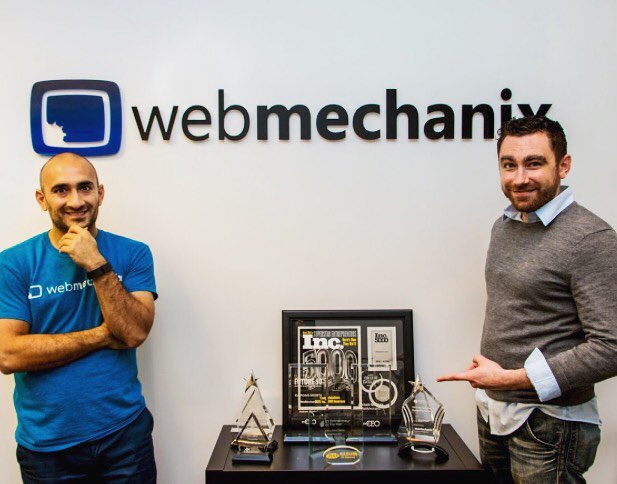
Chris Mechanic is co-founder and CEO of WebMechanix, a digital marketing firm in Baltimore. Specializing in Search Engine Optimization (SEO), Pay-Per-Click (PPC) Advertising, and Marketing Automation, Chris Mechanic has learned a thing or two about good productivity.
How did you manage your passwords before TeamPassword?
It was somewhat ugly and somewhat insecure. We managed passwords largely via spreadsheets that lived in Google Drive. It was a pretty substantial struggle to make sure everything was in there, and then there was also the security risk and difficulty granting permissions. We basically had two different spreadsheets: one for mission-critical stuff that only executives had access to (e.g. FTP/hosting/CRM/CMS) and one for non-mission critical stuff that pretty much everyone had access to. We had like thirty clients at that time, so having a different spreadsheet for each client was cumbersome.
How do you structure your TeamPassword account?
We structure it in a similar way, largely--we've got a group in TeamPassword called "Sensitive Stuff." That's where we keep FTP creds, hosting information, and other sensitive stuff. We have one group called "Client Tools" for tools that we use across many clients, like MOZ. Then we also have a group for "Client-Specific Tools." Then another CRM group, which is more sensitive, so fewer people have access to it. We have a few other groups that are broken out by categories and functions and we're careful about the titles we use for passwords. For instance, a lot of our clients use Salesforce so we learned quickly to assign each client a 3-5 character code (for example, Pepsi would be PEP) and now we can easily see which Salesforce password to use.
What's your favorite part of using TeamPassword?
Well, it's beautiful because you don't need to access a spreadsheet prior to logging in. TeamPassword eliminates those small chunks of time wasted trying to remember a password- and that time can really add up.

What do you geek out about most at work?
I geek out about everything digital marketing. SEO, PPC, analytics, and conversion. I'm also into "CEO stuff" like management philosophies, operational efficiency, and leadership.
What is your best productivity tip?
To eliminate distractions by doing things in chunks. I like to work in chunks of time. You should also have a plan before you start working.
What advice would you give yourself ten years ago?
10 years ago I would have given myself the advice to invent TeamPassword. Just kidding. I would have given myself the advice to quit my job and start my company earlier.
Enhance your password security
The best software to generate and have your passwords managed correctly.